Capture with care
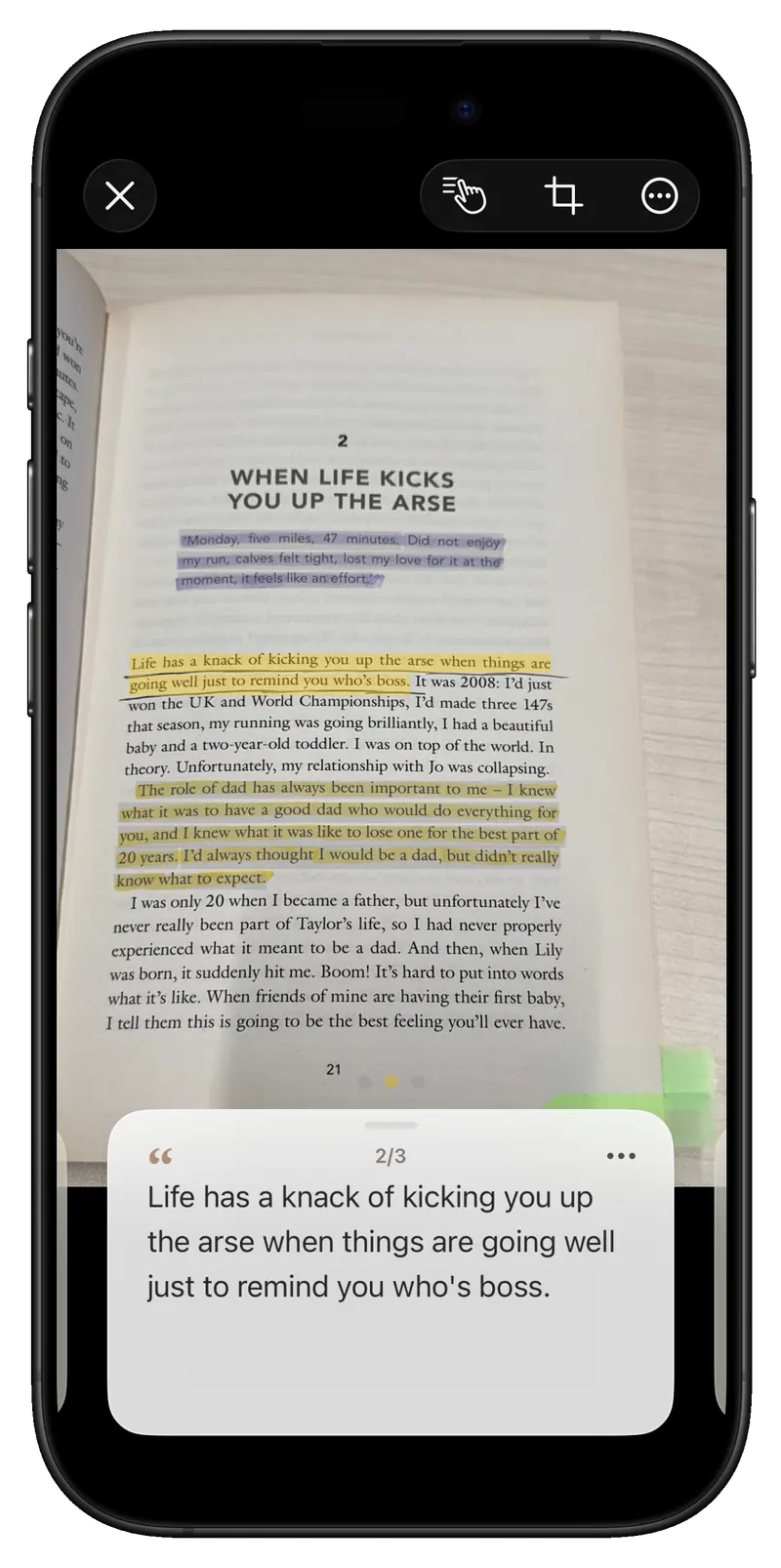
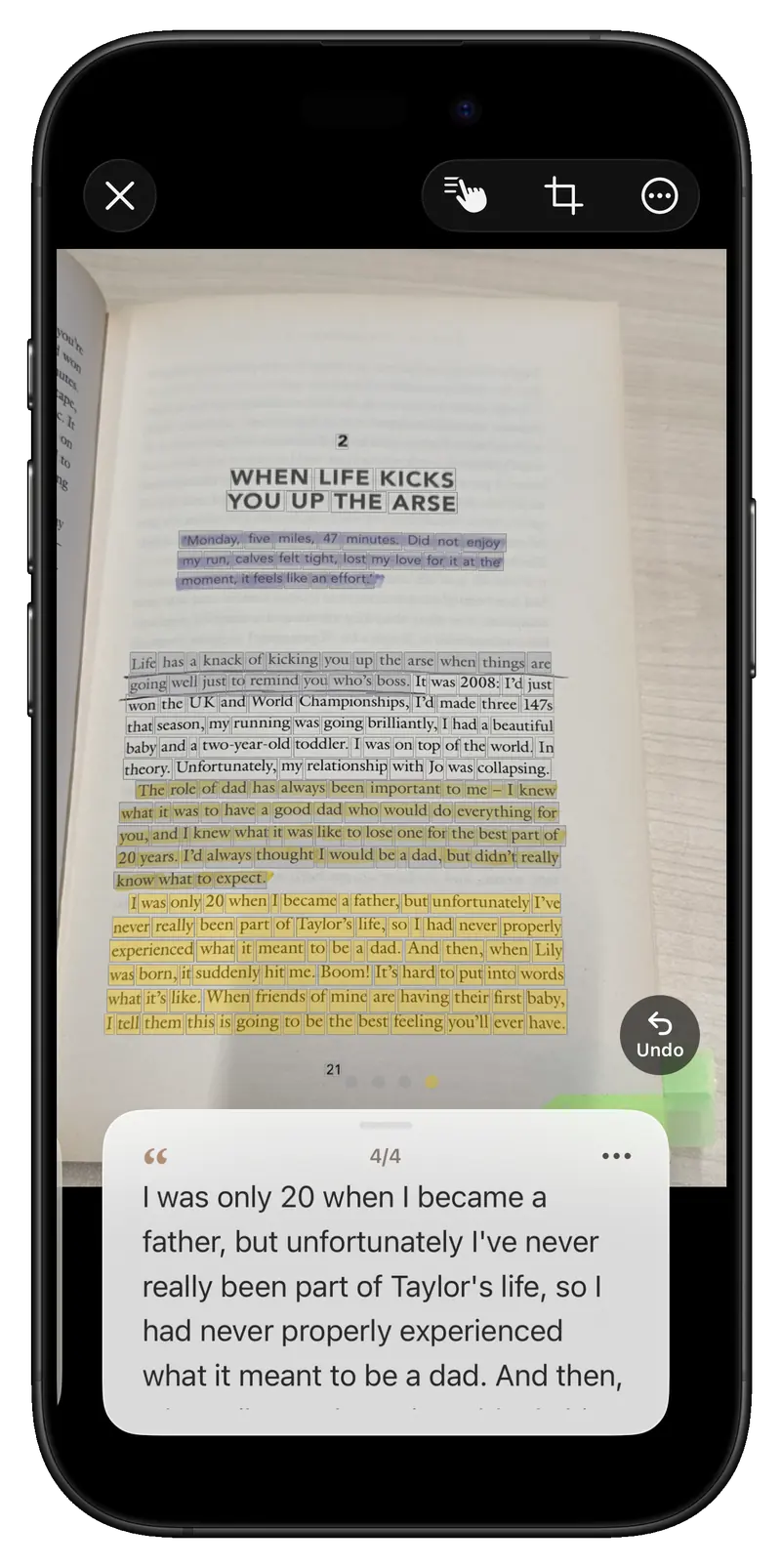
Automatic capture waits for a steady page. Adjust page boundaries, read full-page text, and run recognition again when needed.
Inkive · A reading tool for paper books
Keep reading the paper book in your hands. When a line stays with you, photograph the page. Inkive finds the marks and text on your device, keeps them with their book, and brings them back when you need them.
From a real page to a highlight you can edit.
Start with the page
The lines you marked deserve a place to stay and a way back into view. Inkive connects capture, review, organization, and rediscovery around the rhythm of reading on paper.
Real product screens · v26.10.1
01 / Capture the page
Take one photo or work through several pages. Automatic capture waits for a steady page; batch capture guides page turns and checks for duplicates.
02 / Review the words
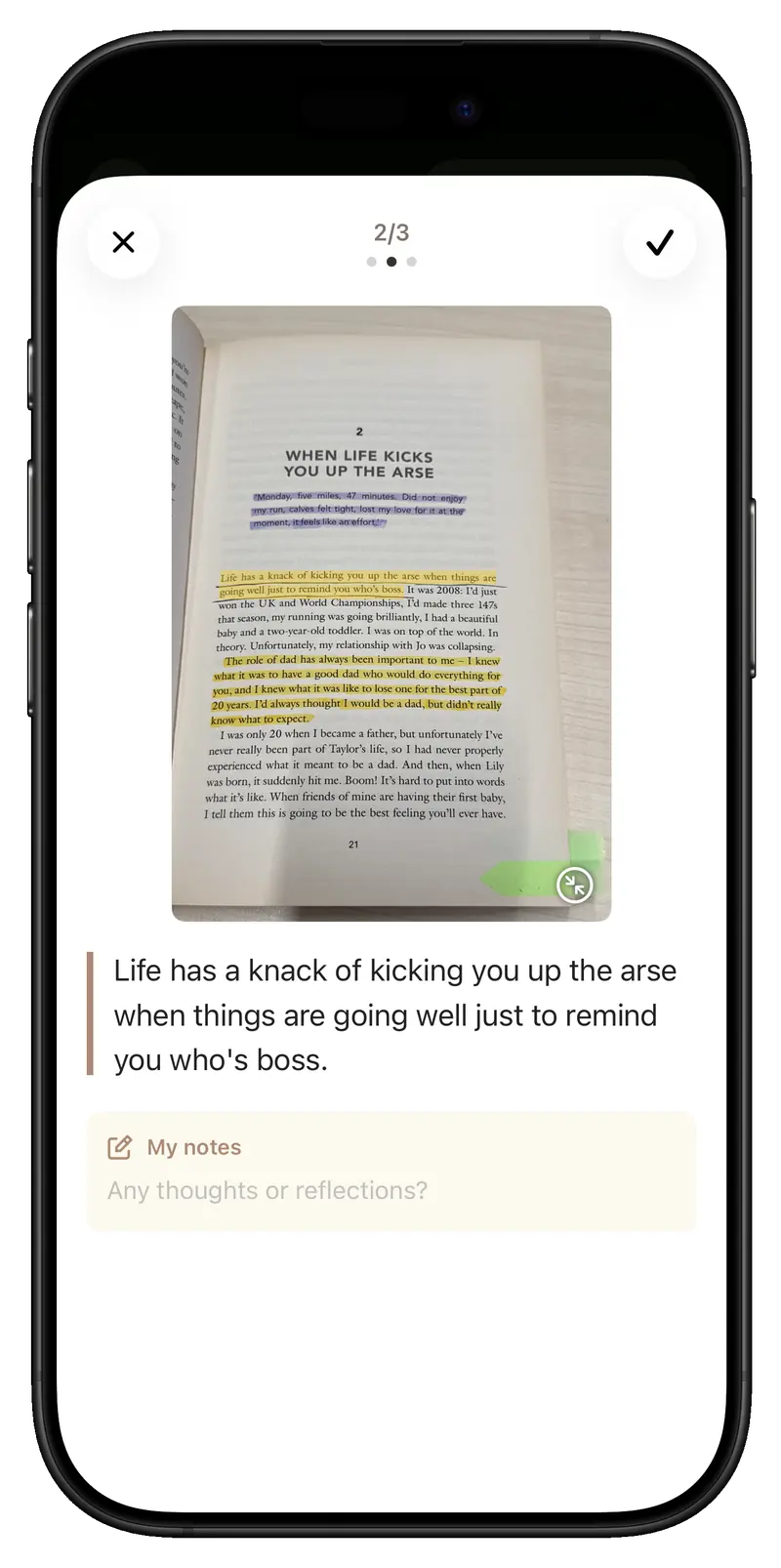
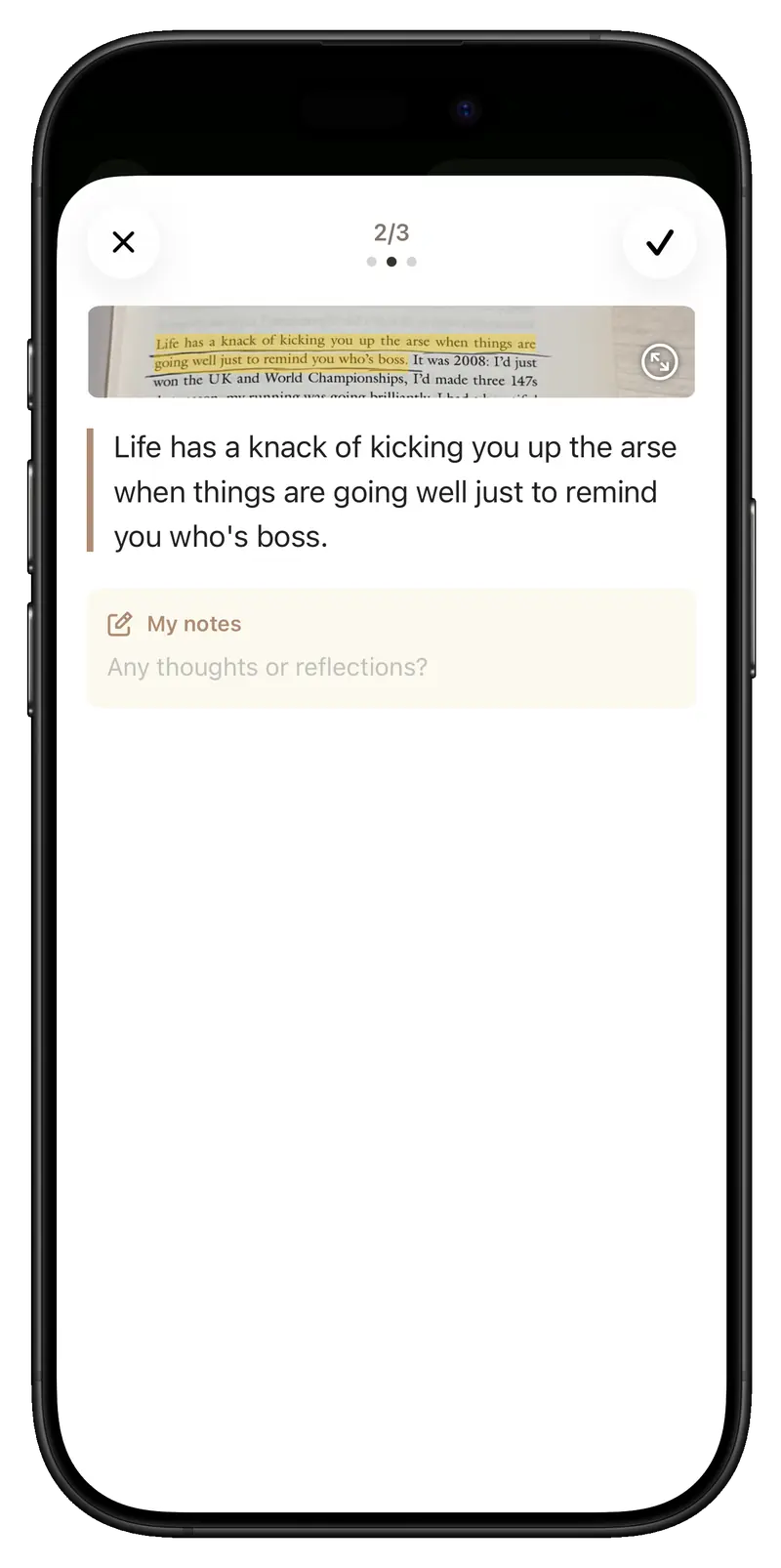
Inkive recognizes marks and text on your device. Check each highlight against the page, correct the words, and add a note. You can select a missed sentence yourself.
03 / Keep it with the book
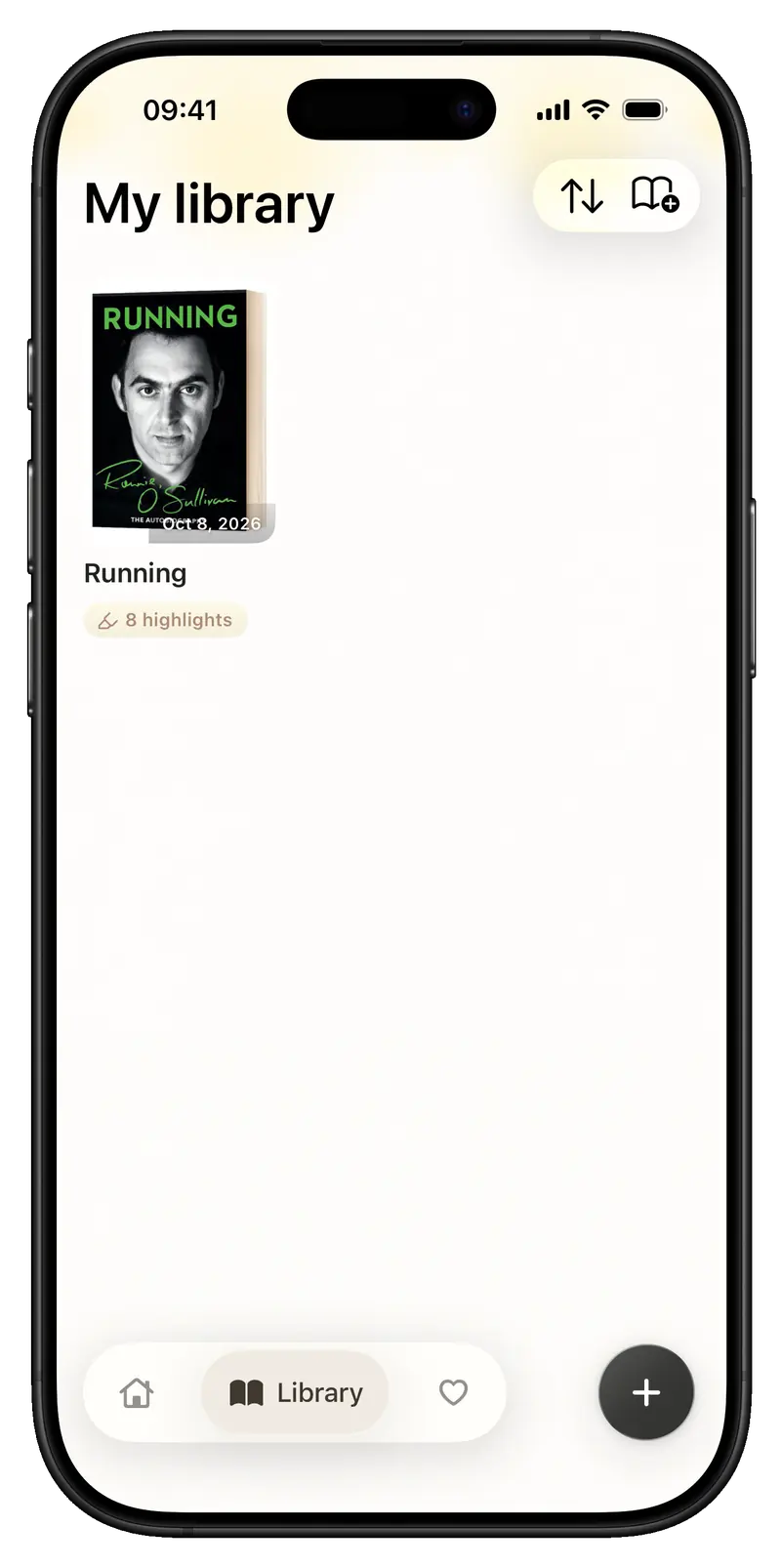
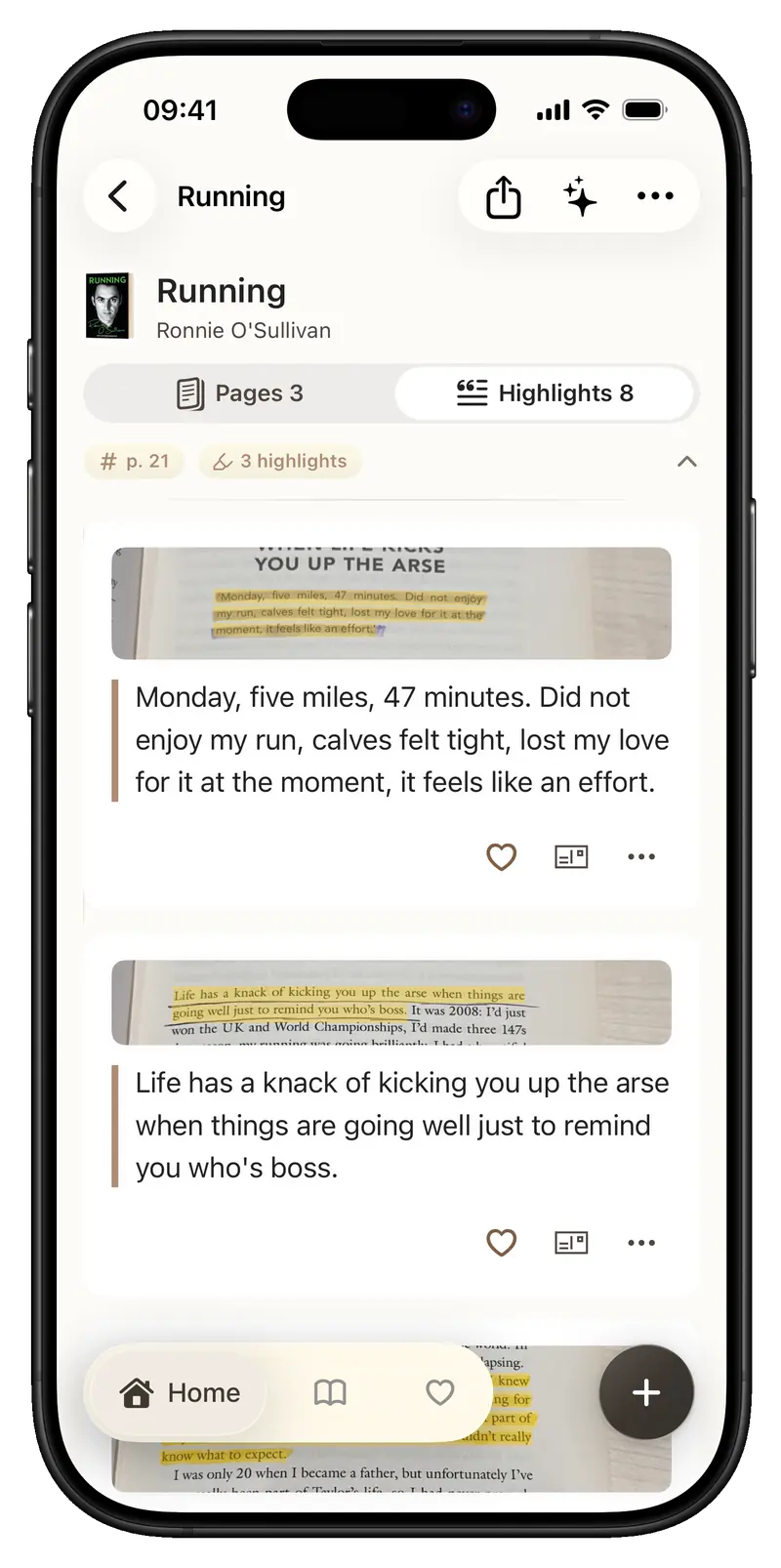
Pages and highlights live with their books. Move between a book's pages and excerpts, then use filters and search to find what you saved.
04 / Meet it again
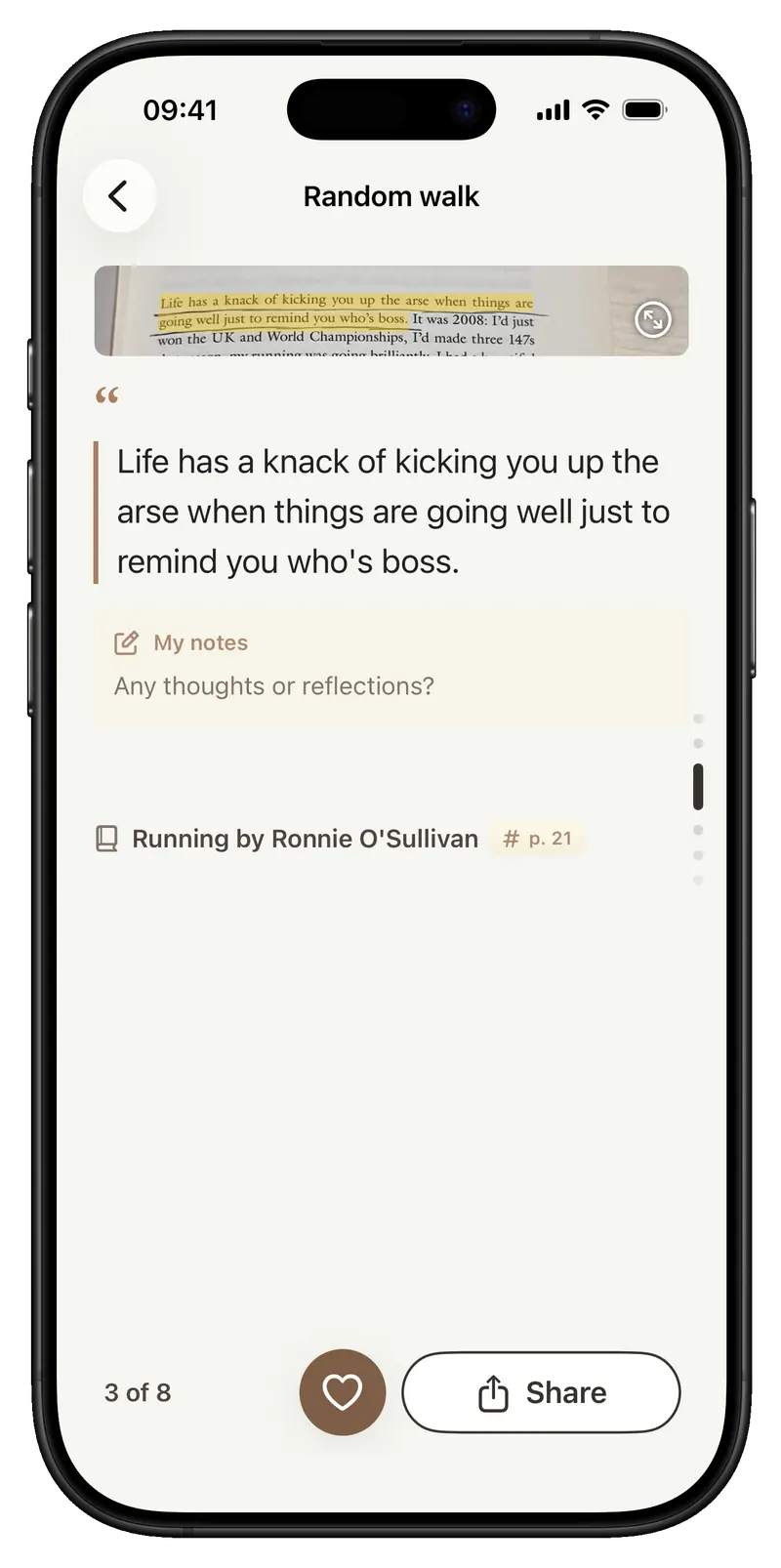
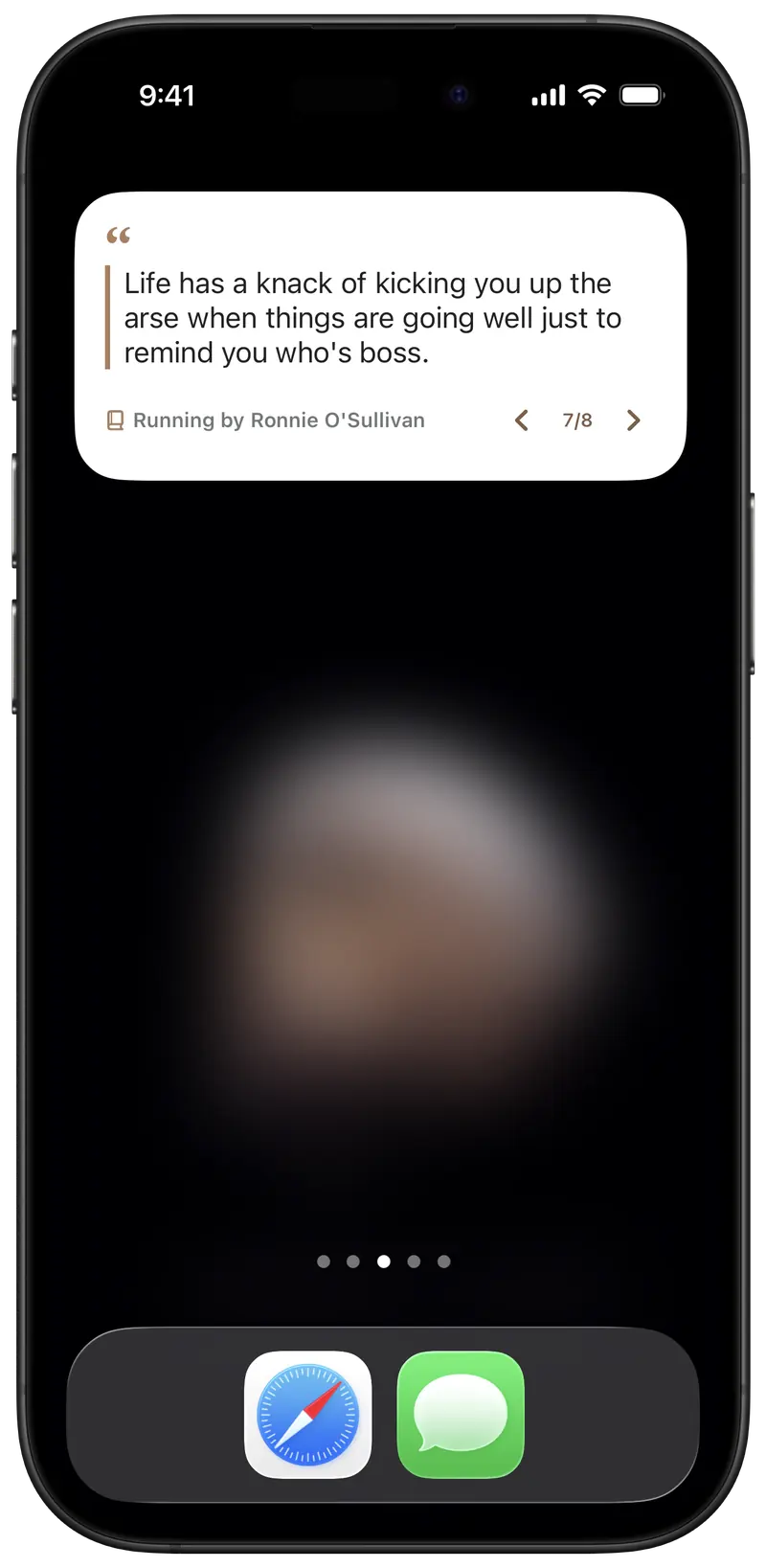
Favorite a highlight or take a Random Walk through one book. Daily Review and Home Screen widgets bring saved lines back into everyday life.
05 / Take it further
Export as Markdown, HTML, or PDF, and connect tools such as Obsidian and Notion when you choose. Sending to outside services is always initiated by you.
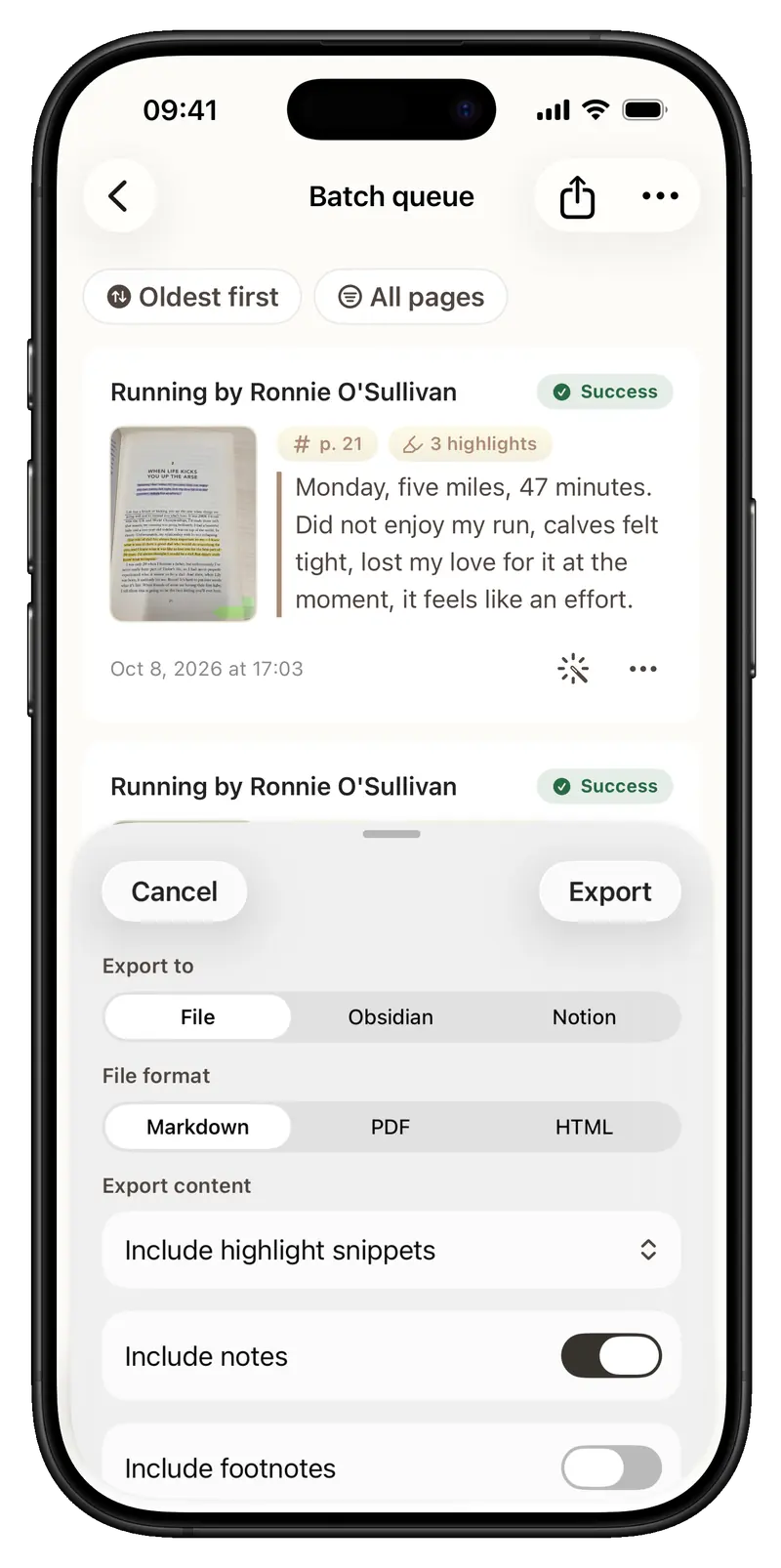
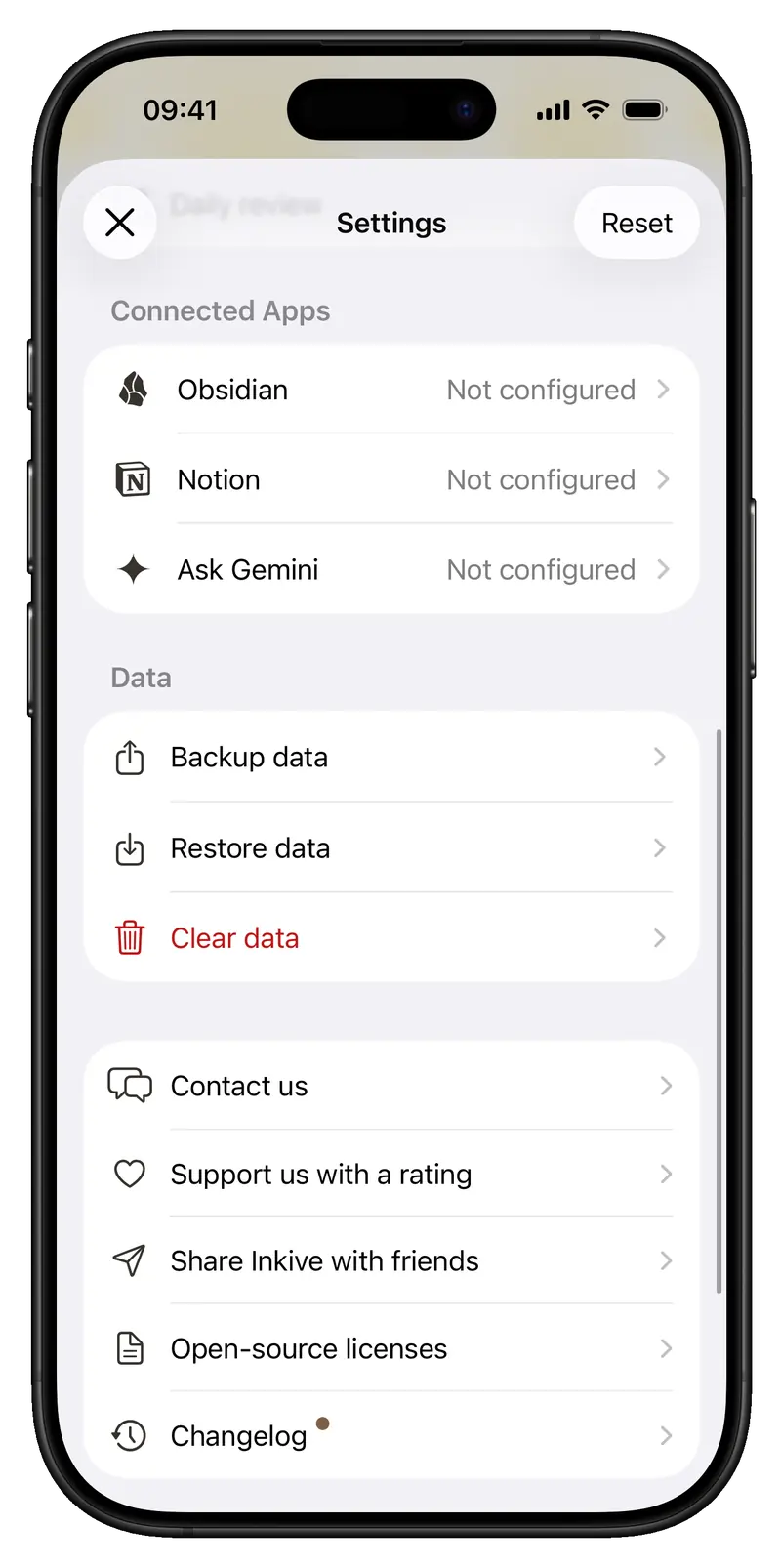
Page correction, book details, share cards, and backups support the practical work that follows reading.
Automatic capture waits for a steady page. Adjust page boundaries, read full-page text, and run recognition again when needed.
Keep pages and highlights by book. Favorite, filter, and search them, and choose what appears in Daily Review.
Adjust the style of share cards, export your work, and create encrypted backups. Some connections and outside services require setup.
Page recognition runs on device. Book lookup, purchases, and sending to external services require a connection.
Inkive
The paper book stays in your hands. The lines you chose now have a place to return to.
Get on the App Store ↗